Below are a few tips on how to customize the Pipeline table. The same applies to the Quotation table:
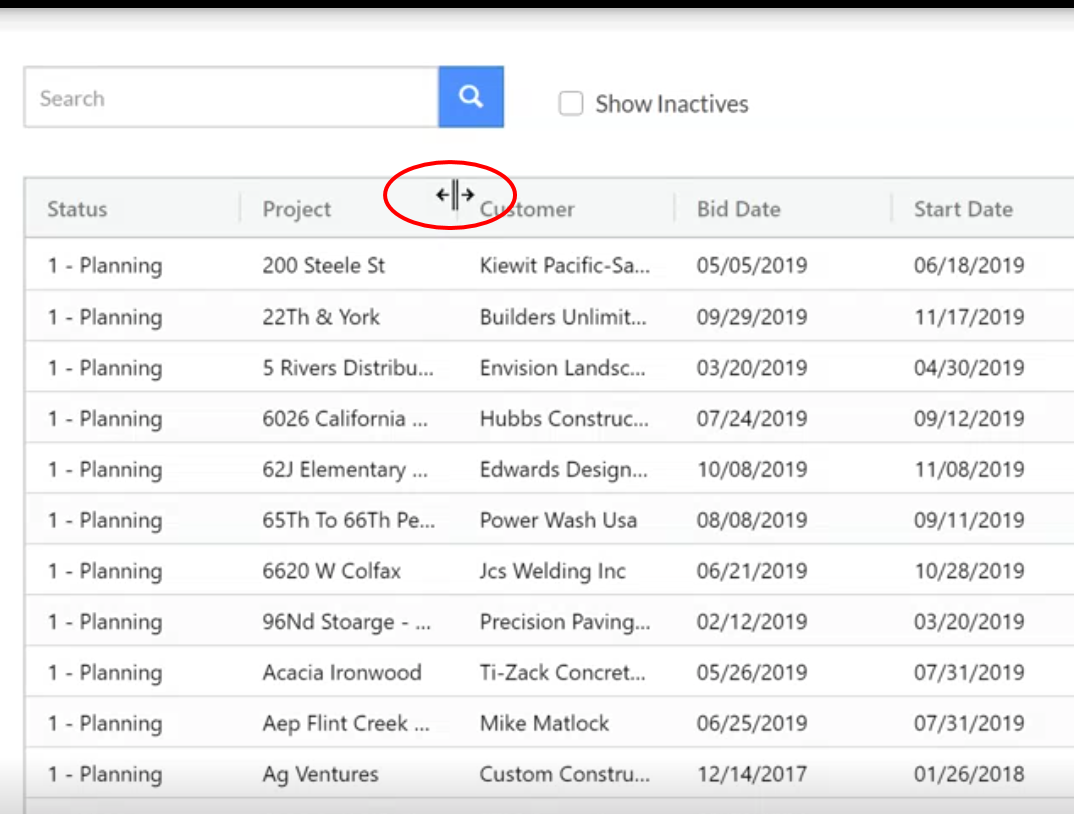
Resize Column Width: Place cursor in between column headers until you see the double arrow, then drag left and right to resize.
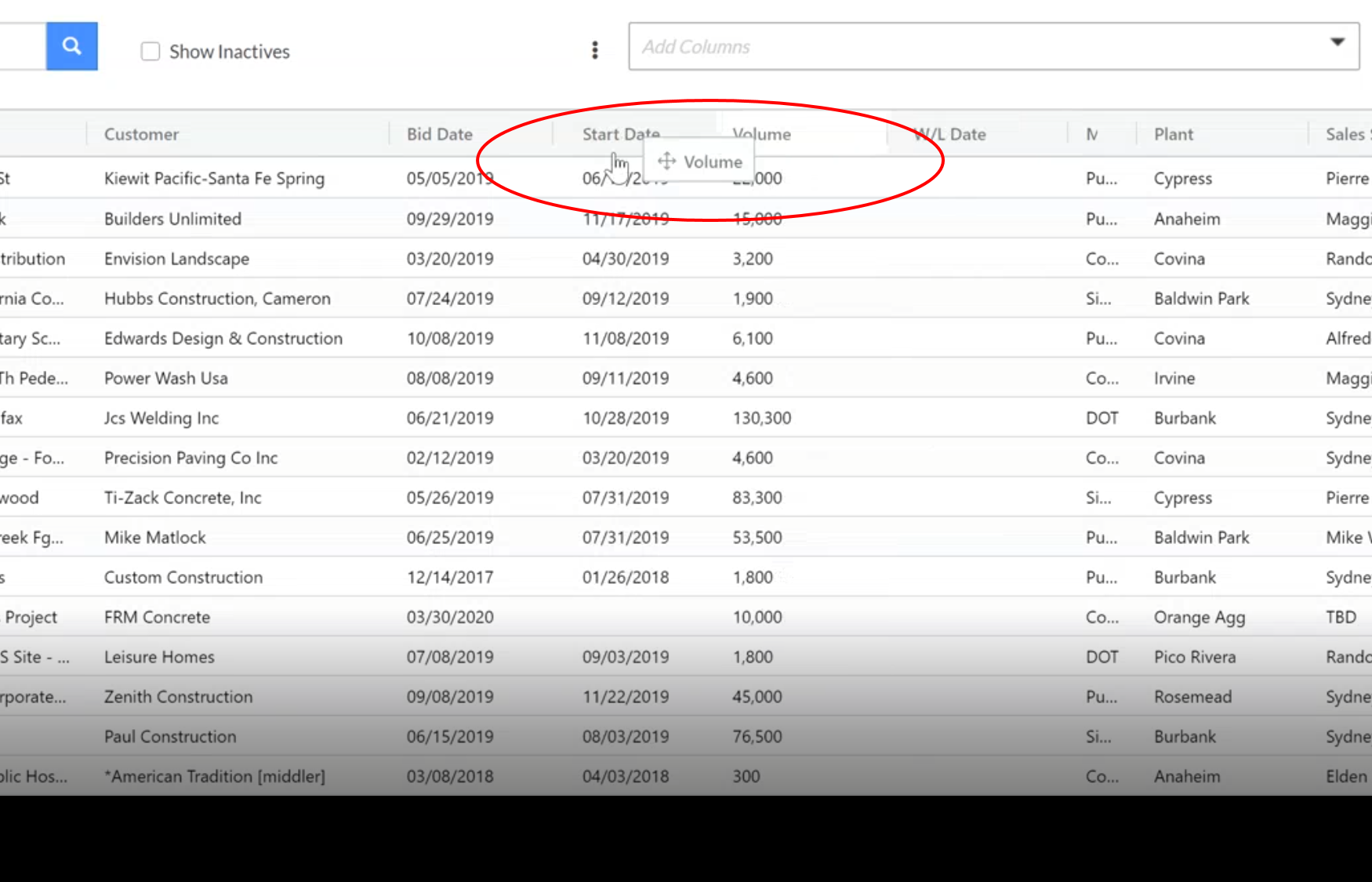
Change Column Order: Place cursor over the header you want to move and left click, hold, and drag the column to the desired spot.
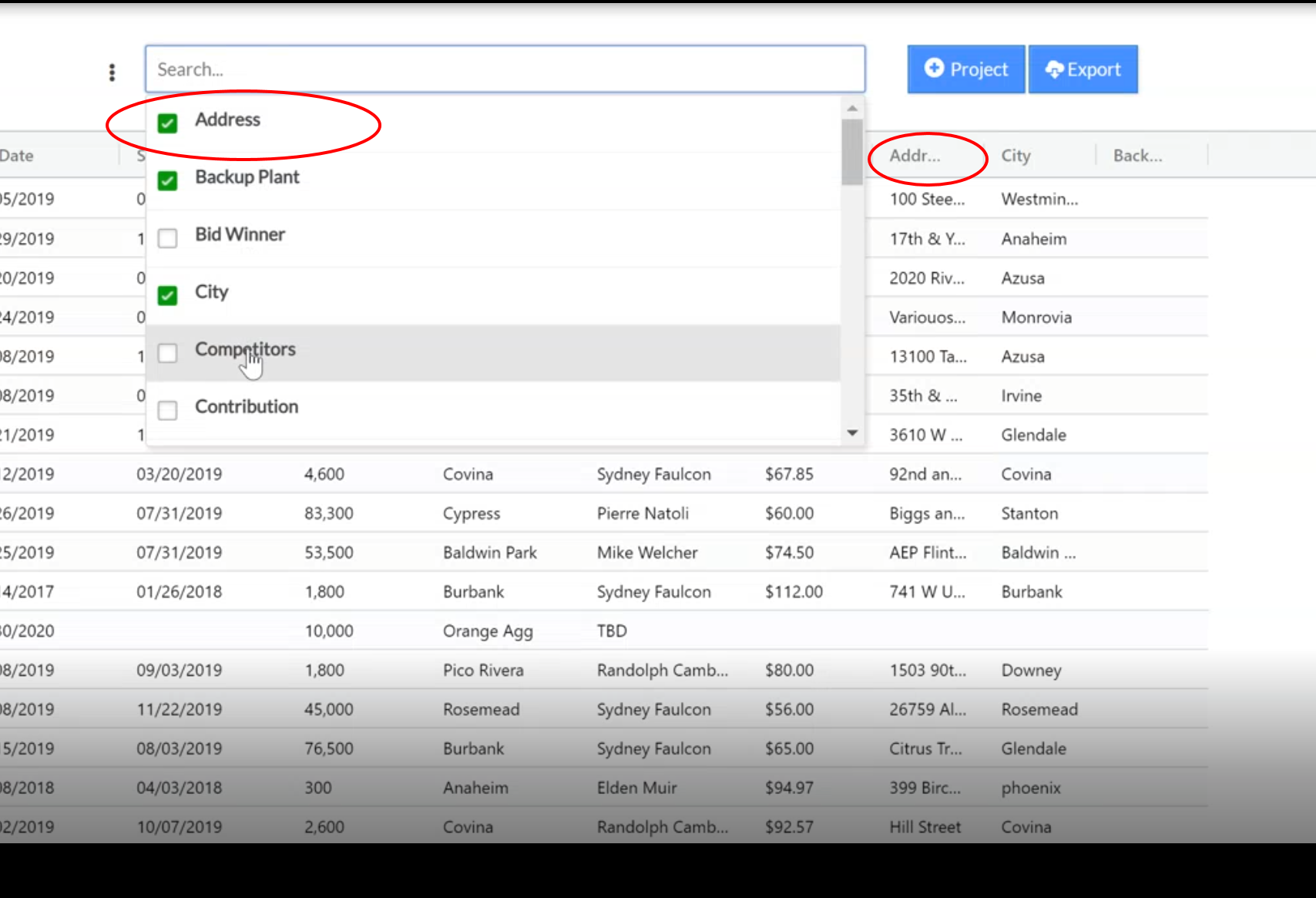
Add Columns: In the Add Columns dropdown, select the columns you wish to add. They will appear on the right side of the table.
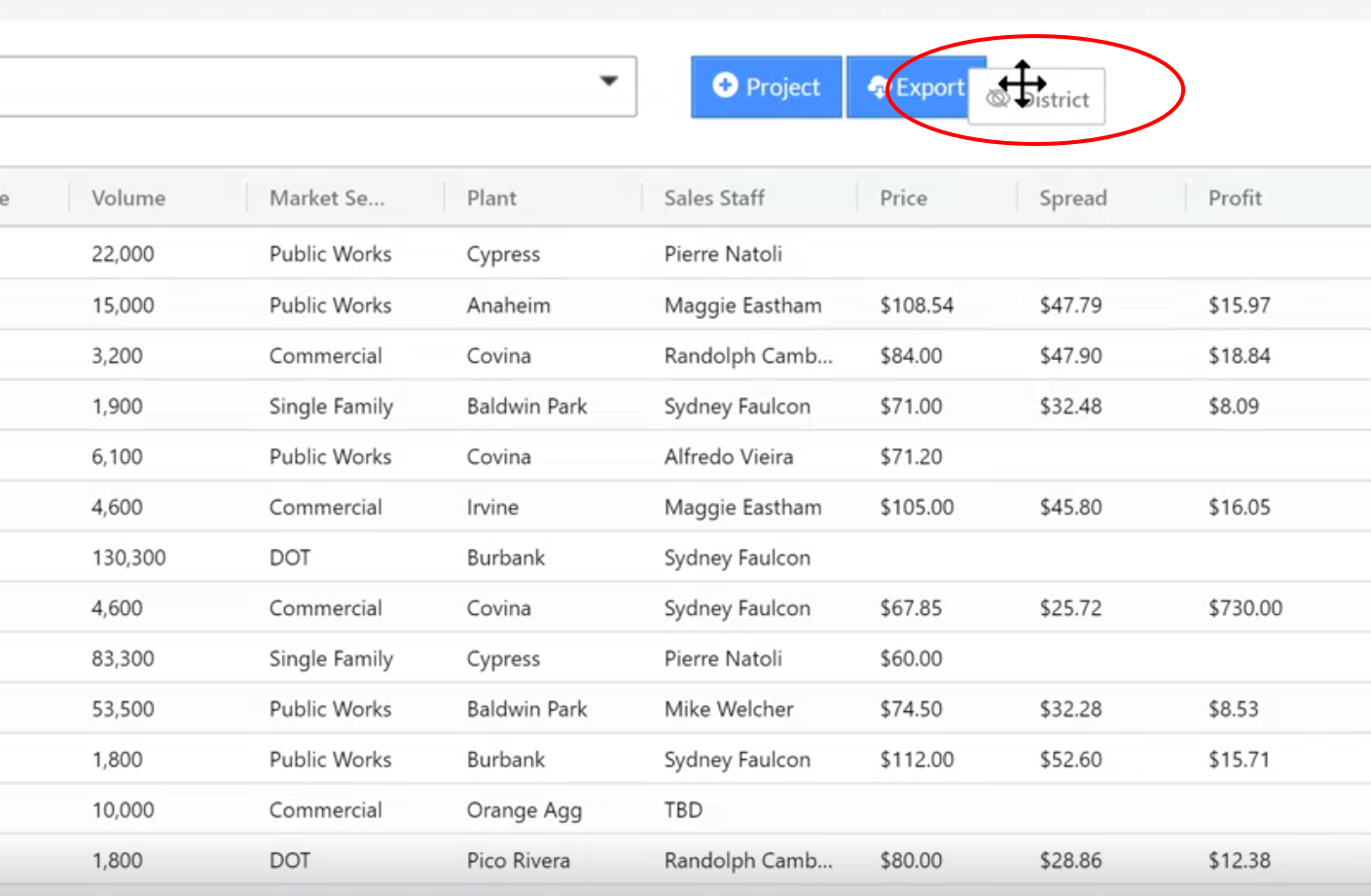
Remove Columns: Place cursor over the header you want to remove and left click, hold, and drag the column away from the table.
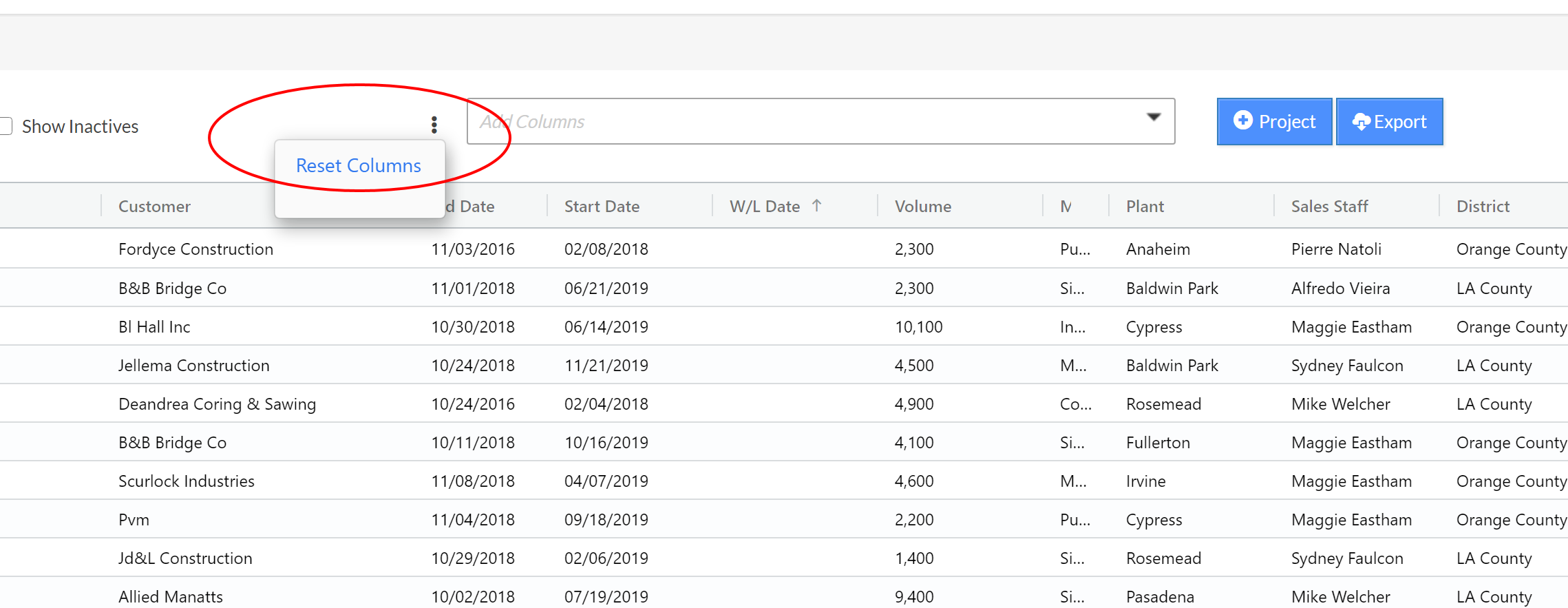
Reset back to Default: Click on the ellipsis icon to the left of Add Columns dropdown, and click on Reset Columns. This will reset columns back to the default order.
Was this article helpful?
That’s Great!
Thank you for your feedback
Sorry! We couldn't be helpful
Thank you for your feedback
Feedback sent
We appreciate your effort and will try to fix the article